
Introduction
Is your iPad making a constant beeping noise while charging? This is a common issue that many users face, and it can be frustrating. Understanding the reason behind the beeping can help address the immediate problem and prevent it from happening again. In this article, we’ll explore the potential causes and offer effective solutions to resolve the noise issue.
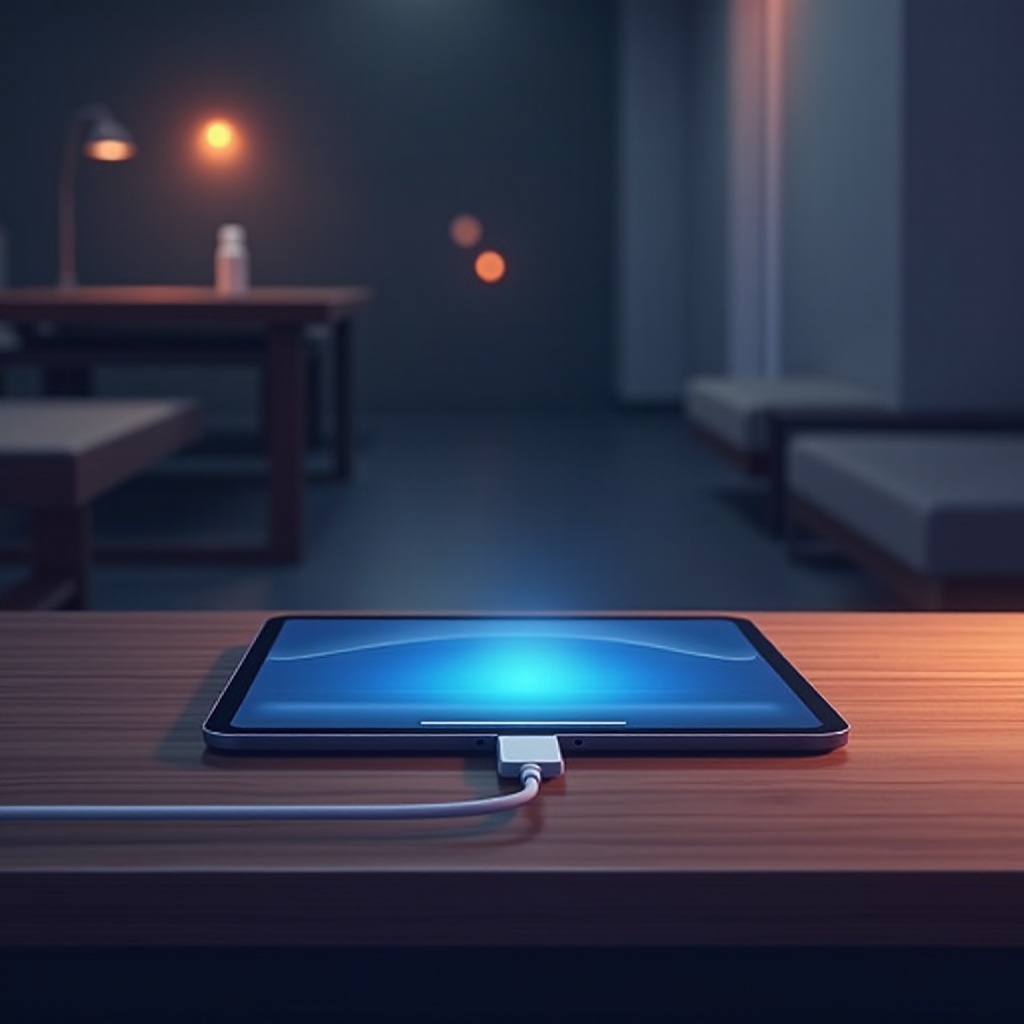
Understanding Why Your iPad Beeps When Charging
The beeping sound your iPad makes when charging can result from several factors. Recognizing these reasons can aid in selecting the appropriate solution:
- Faulty Charging Cable or Adapter: Damaged or non-certified chargers can disrupt power flow, causing beeping.
- Loose Connection: A loosely connected cable can create an intermittent power supply, triggering the beep.
- Software Glitches: Sometimes, software bugs are responsible for these unusual behaviors.
- Dirty Charging Port: Dust or debris in the charging port may hinder a solid connection, causing alerts.
Now that we understand the potential culprits, let’s look into the solutions you can implement without delay.

Quick Fixes to Stop Your iPad from Beeping
First, try these simple techniques that often rectify the issue with minimal effort:
-
Inspecting Your Charging Accessories: Examine the charging cable and adapter for any signs of damage. Use only certified Apple accessories, as third-party options can be unreliable.
-
Checking for Software Updates: Apple frequently updates iOS to fix bugs and improve performance. Go to ‘Settings’ > ‘General’ > ‘Software Update’ to ensure your iPad is up to date.
-
Ensuring a Secure Power Connection: Double-check that the charger is securely connected to both your iPad and the power outlet. Swapping to a different outlet might also help resolve power supply inconsistencies.
If these do not solve the problem, explore more comprehensive solutions to tackle the beeping issue.
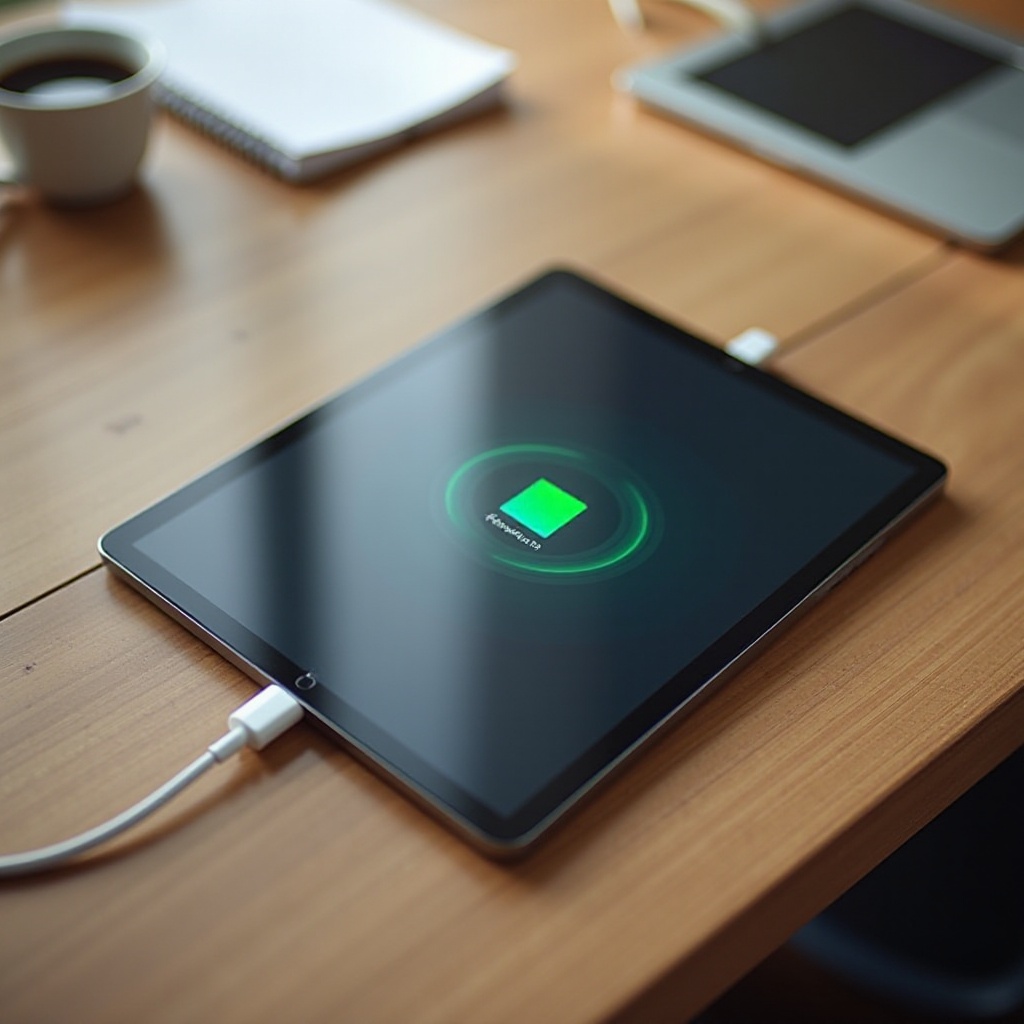
Advanced Troubleshooting Techniques
If the initial attempts haven’t worked, consider these advanced steps for a more thorough approach:
-
Resetting All Settings Without Data Loss: To address potential software conflicts, reset all settings by navigating to ‘Settings’ > ‘General’ > ‘Reset’ > ‘Reset All Settings.’ Your data will not be erased, only your preferences are reset.
-
Examining and Cleaning the Charging Port: Carefully clean the charging port with a small brush or compressed air to remove any debris, ensuring not to harm sensitive components within.
-
Identifying Hardware Issues: If the beeping continues after trying these solutions, you might be dealing with a hardware problem. Inspect the device for physical damage or consult an Apple technician.
With these advanced steps, you’re closer to resolving all possible issues causing the beeping noise. Let’s take proactive measures to prevent the issue from cropping up in the future.
Preventing Future Issues with Best Practices
Adopting preventive measures is crucial to ensuring a seamless iPad charging experience:
-
Maintaining Your Charging Equipment: Regularly check and replace any worn-out charging accessories to maintain efficient charging performance.
-
Establishing Safe Charging Habits: Avoid using your iPad while charging, limit overcharging, and enable battery management features when available.
Integrating these preventive tips into your routine will help extend the life of your charging equipment and keep your device healthy.
Conclusion
Dealing with an iPad that beeps when charging can be resolved by understanding the root causes, applying quick fixes, and using advanced troubleshooting as needed. Moreover, incorporating preventive measures into your routine will help avoid these issues in the future. By diligently following this guide, you’ll ensure a more reliable and enjoyable charging experience with your iPad.
Frequently Asked Questions
Why does my iPad beep intermittently when charging?
This usually points to a charging setup issue. Faulty cables or software glitches might cause the interruption.
Can a faulty charger cause my iPad to beep?
Yes, a damaged or incompatible charger can lead to the iPad beeping due to inconsistent power delivery.
How do I know if the beeping is a sign of a hardware issue?
If beeping continues after testing different chargers and updating software, a hardware problem might exist. Consider professional help.