
Introduction
Heart rate monitoring is crucial for those using a Fitbit for tracking fitness and wellbeing. However, issues with heart rate tracking can frequently arise, leading to frustration. If you’re struggling with a ‘heart rate on Fitbit not working’ problem, this comprehensive guide will help you identify the causes and find practical fixes to get your monitoring back on track.
Understanding Fitbit Heart Rate Technology
Fitbit devices utilize advanced technology to track your heart rate and provide vital health insights. Understanding these systems can aid in diagnosing and fixing problems when they occur.
How Fitbit Tracks Your Heart Rate
Fitbit uses photoplethysmography (PPG) technology, involving light sensors to detect blood volume changes beneath the skin. With each heartbeat, the blood flow in your wrist changes, and sensors capture this pattern to calculate your heart rate.
Common Technologies Used by Fitbit
Besides the core PPG, Fitbit incorporates sophisticated algorithms that enhance accuracy by filtering out noise from user movements or ambient lighting. This understanding can be crucial when tackling tracking issues.
Common Reasons for Heart Rate Tracking Issues
Various factors can lead to problems with heart rate tracking on your Fitbit. Recognizing these issues is the first step in troubleshooting.
Incorrect Device Positioning
The position of your Fitbit on your wrist is pivotal. If it’s too loose or not correctly aligned, the sensors may fail to detect your heart rate accurately.
Software or Firmware Glitches
Bugs or outdated firmware in the software can interrupt heart rate functionality, causing inconsistent or absent readings.
Physical Interferences like Tattoos or Hair
Tattoos or excess hair can obstruct light sensors, leading to inaccurate readings or a complete lack of heart rate data. Assessing these physical factors is essential in resolving issues.
Basic Troubleshooting Steps
Once potential causes are identified, try these practical solutions to resolve common problems.
Adjusting the Fitbit on Your Wrist
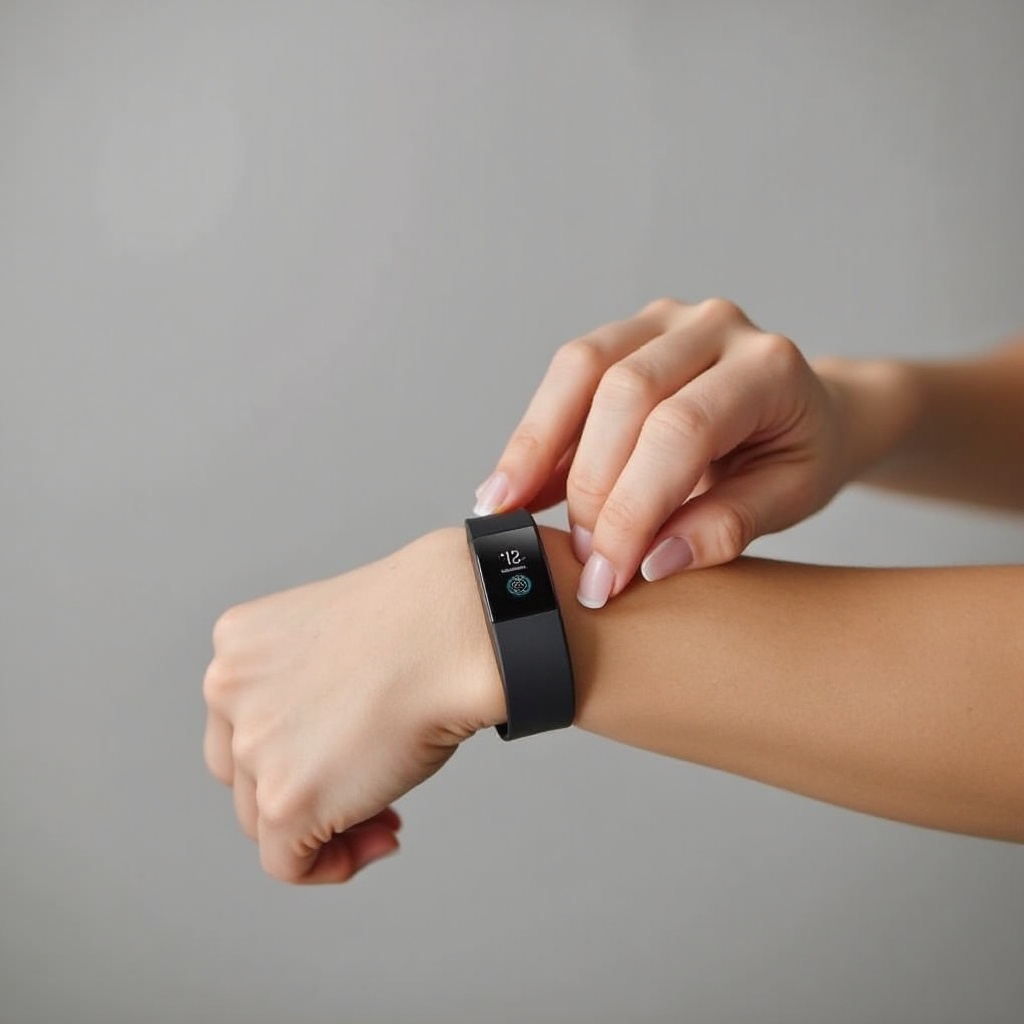
- Ensure your Fitbit sits snugly, neither too tight nor too loose.
- Position the device about two fingers above your wrist bone during exercises for improved accuracy.
Restarting Your Fitbit Device
- Press and hold the button on your Fitbit device.
- Follow on-screen instructions to restart the device.
- Verify if the heart rate monitor is operational again.
Updating Software and Firmware
- Launch the Fitbit app on your smartphone.
- Check for available updates for both the app and device firmware.
- Install updates, ensuring your device remains paired during the process.
Advanced Troubleshooting Techniques
If the basic steps don’t rectify the situation, consider these more advanced techniques.
Cleaning the Sensor and Your Skin
- Use a soft cloth to gently clean the back of your Fitbit to remove dirt or sweat.
- Ensure your skin is clean and dry to improve sensor contact.
Resetting Your Fitbit to Factory Settings
- Navigate to the settings menu on your device.
- Select the ‘Factory Reset’ option and follow prompts.
- Pair your Fitbit with your smartphone again to complete the setup.
Monitoring Environmental Interferences
Electronic devices or lighting might interfere with sensor accuracy. Check your surroundings for any potential sources of interference and reduce exposure when wearing your Fitbit.
When to Contact Fitbit Support
If all else fails, it may be necessary to reach out to Fitbit Support. Persistent issues could indicate a hardware malfunction, requiring professional assistance. Their support team can guide additional troubleshooting or handle warranty claims and repairs as needed.
Preventive Measures for Accurate Heart Rate Tracking
By maintaining your Fitbit and following these preventive strategies, you can avoid future tracking problems.
Regular Maintenance and Updates
- Regularly clean your device and verify for software updates.
- Keep the app and firmware updated to preserve functionality.
Ensuring Proper Wear and Fit
- For everyday wear, ensure your Fitbit is comfortable but not overly tight.
- During exercises, consider tightening slightly to prevent movement, but avoid over-tightening to ensure proper blood flow.
Conclusion
Addressing heart rate tracking issues on your Fitbit doesn’t need to be frustrating. By understanding the underlying technology and implementing these troubleshooting and preventive measures, you can maintain accurate and reliable functionality. With a little attention to detail, your Fitbit will continue to offer valuable health insights.
Frequently Asked Questions
Why is my Fitbit not tracking my heart rate during exercises?
This issue may be caused by an improper fit, excessive movement, or a software glitch. Ensure your Fitbit is snug and update your software.
Can a Fitbit track heart rate accurately on tattooed skin?
Tattoos can interfere with optical sensors. Adjust the device’s position or try wearing it on a different area of skin.
What should I do if updating the firmware doesn’t fix the issue?
Try resetting the device to factory settings or contact Fitbit Support for further assistance.